


 Download(191.02KB)
 1.18
1.18
 2.03MB
 Version
0.89
Version
0.89
 Updated on
July 10, 2025
Updated on
July 10, 2025
 Category
Business Office
Category
Business Office
 Size
191.02KB
Size
191.02KB
7.7
Add shortcuts to commonly used shell commands to the home screen.
Linux Command Launcher offers a convenient way to access commonly used shell commands from your device's home screen.
FEATURES:
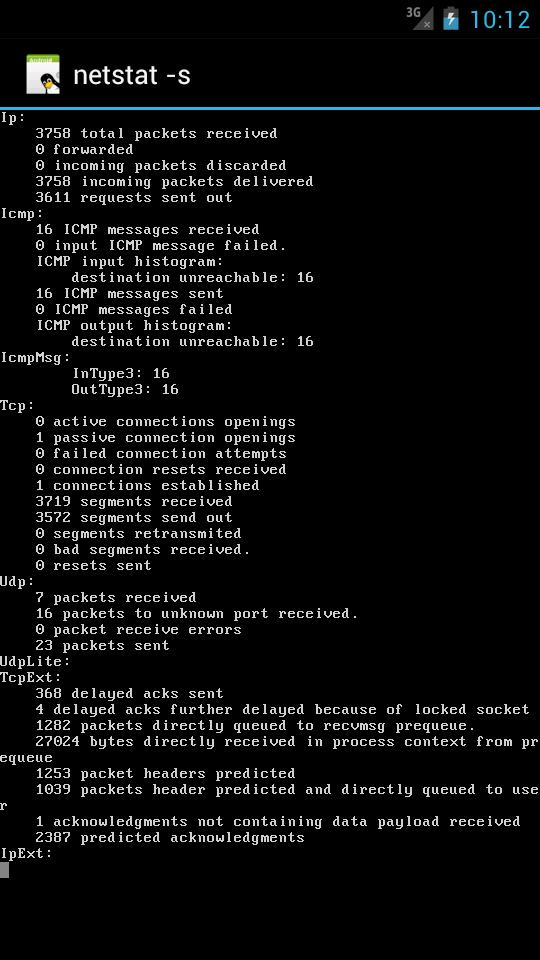
- output viewer
- output logging
- notifications on exit
- timer settings
INSTRUCTIONS:
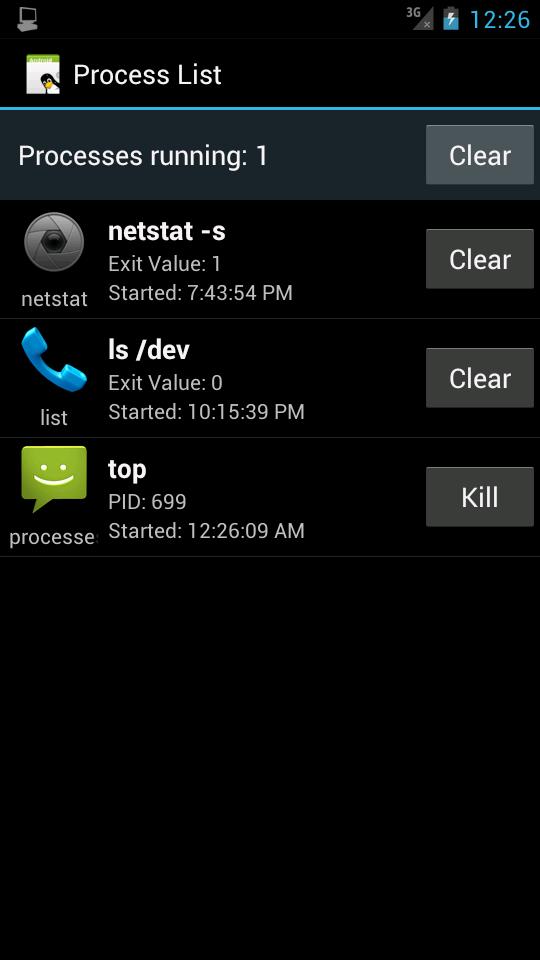
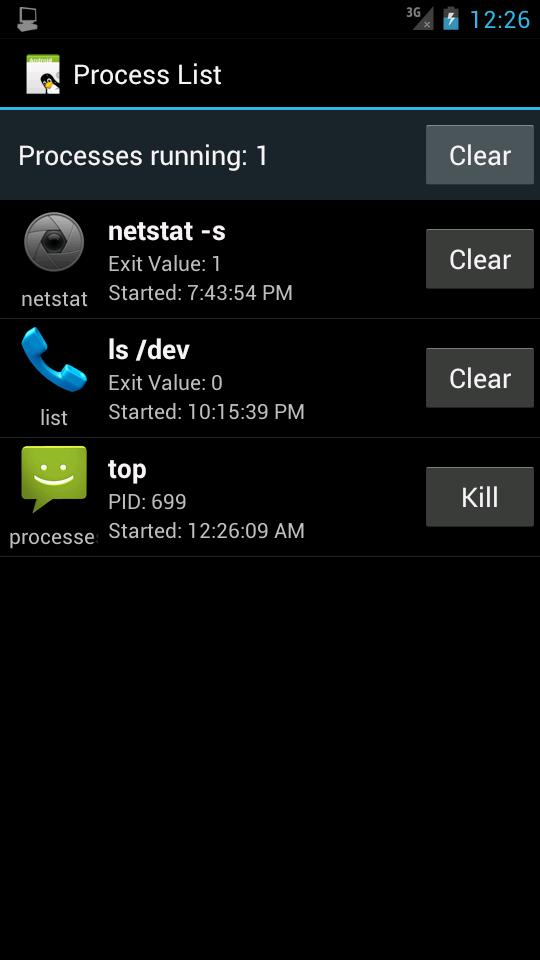
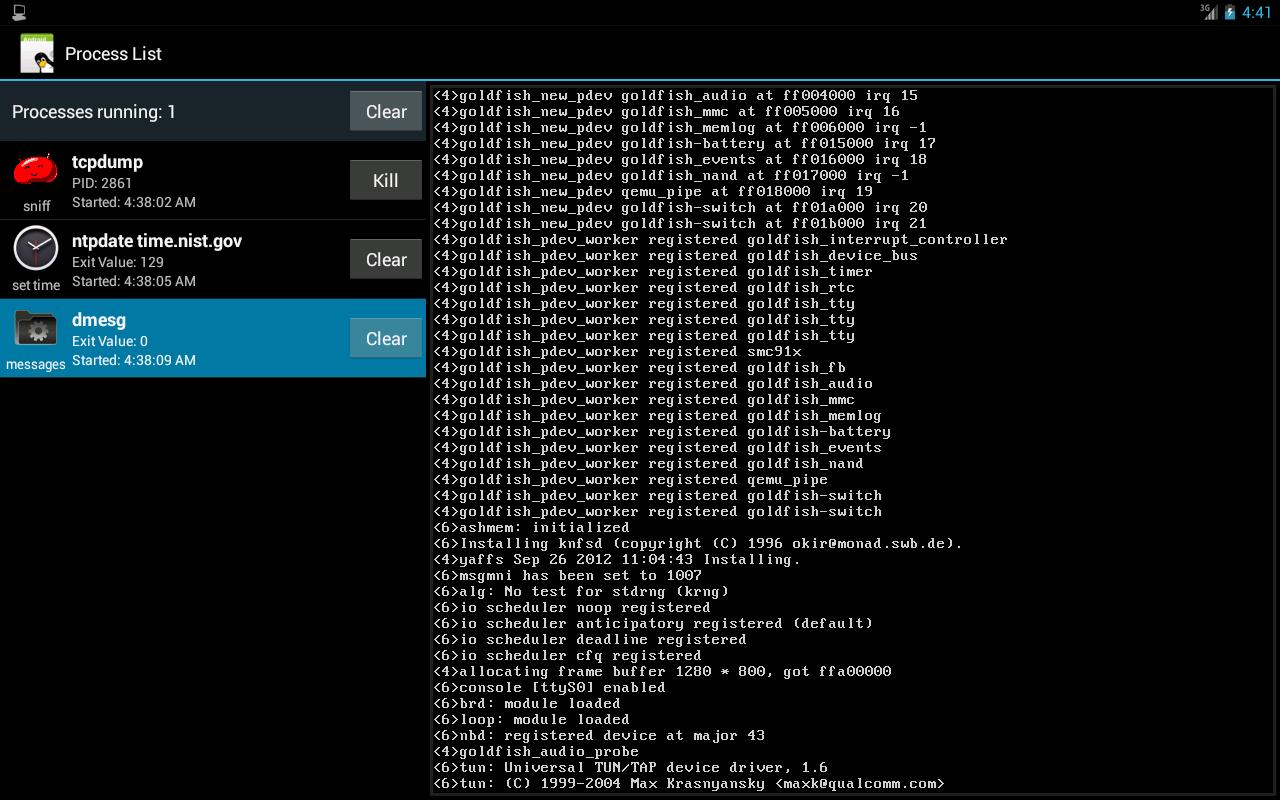
Long press on the home screen or select "Widgets" in the applications list and look for "Command Launcher". The selection screen allows you to set options for each specific shortcut. Once all the settings are selected, click "Set shortcut" to put the shortcut on the home screen. The "Process List" activity allows you to monitor the processes launched from these shortcuts.
 Similarity
January 22, 2026
January 19, 2026

January 19, 2026
January 19, 2026
January 18, 2026

January 17, 2026

January 17, 2026
January 17, 2026
January 16, 2026
January 16, 2026
January 16, 2026

January 14, 2026